09 · Settings
Your accounts, your rules, your data.
Everything that keeps the journal honest: several trading accounts including prop-firm evaluations, risk rules that are checked rather than suggested, and a backup you can actually leave with.
- Several accounts
- Prop-firm challenges
- Risk rules
- Data & Backup
- Broker & iPhone sync
- Intelligence panel
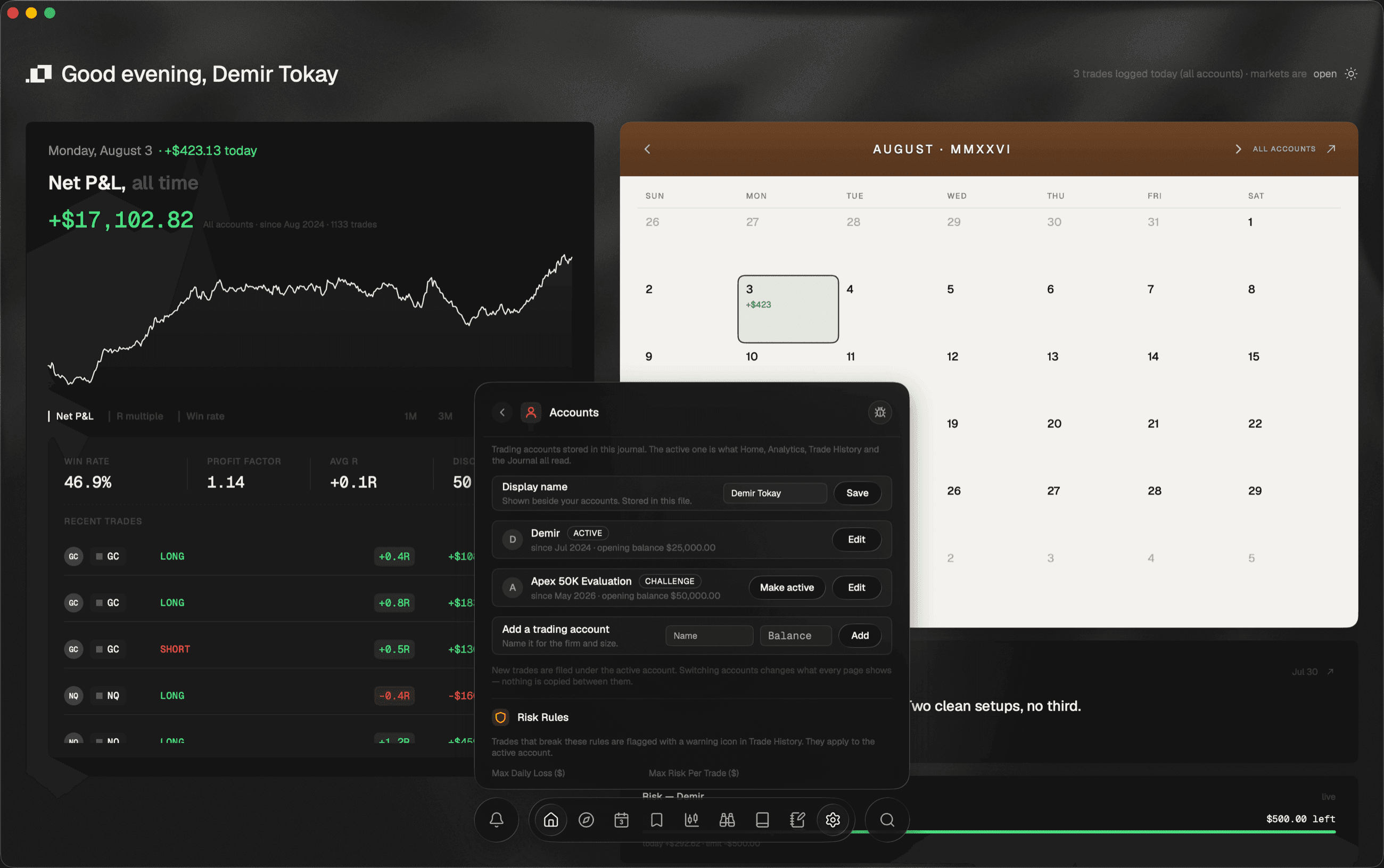
Accounts, including the funded kind.
A Personal Account since Jul 2024 and an Apex 50K Evaluation tagged CHALLENGE since May 2026, each with its own prop rules. The build these screens came from also says what it cannot do yet, in its own words: new trades land in your first account until the account switcher ships.
Hard rules, not suggestions.
Max daily loss, max risk per trade, and a required stop — set once, then checked against every closed trade. Trades that break them are flagged with a warning icon in Trade History, and the daily-loss buffer on Home counts down live against the same limit.
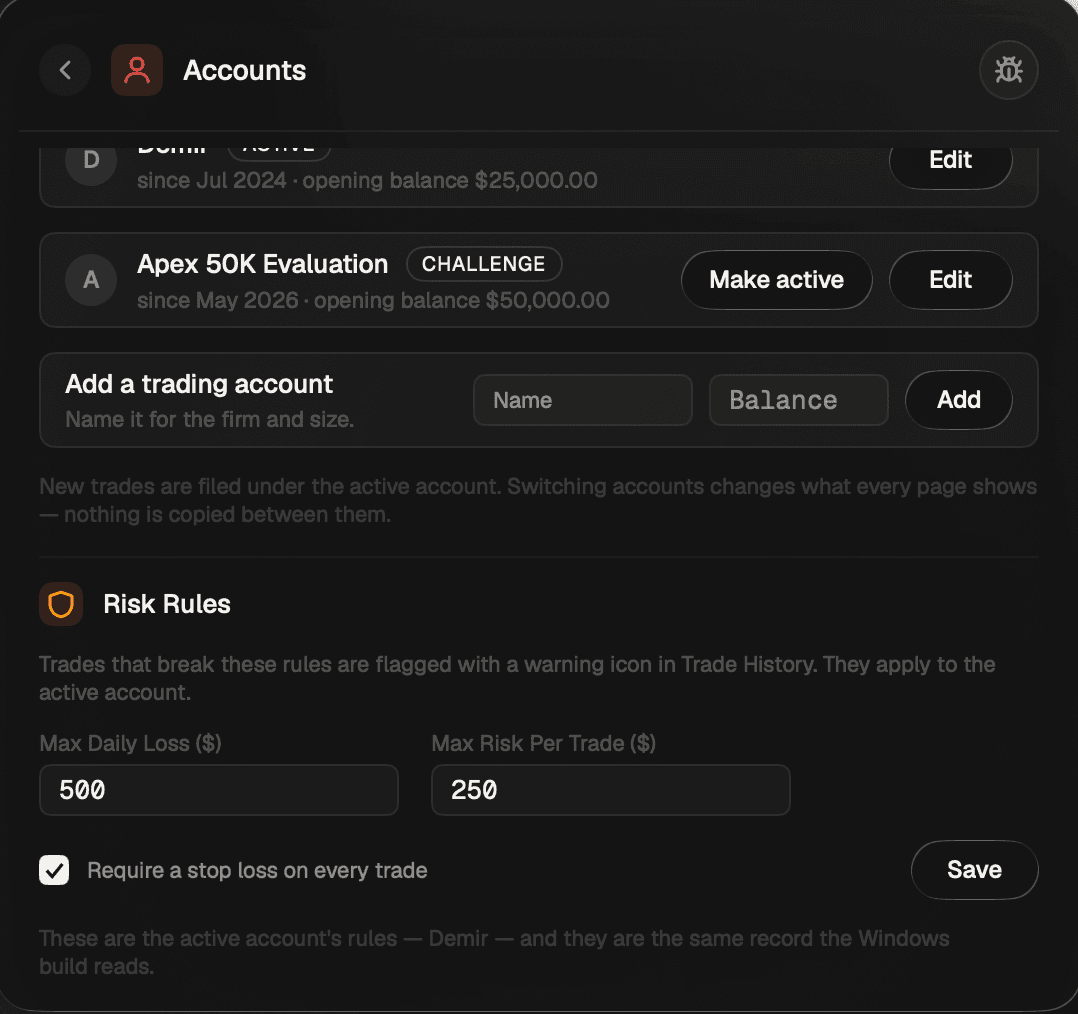
Backup like you mean it.
Your journal is plain local files with atomic writes and .bak recovery. Data & Backup exports all of it in one click and restores it just as fast — which is the part that makes the local-first claim checkable rather than merely stated.
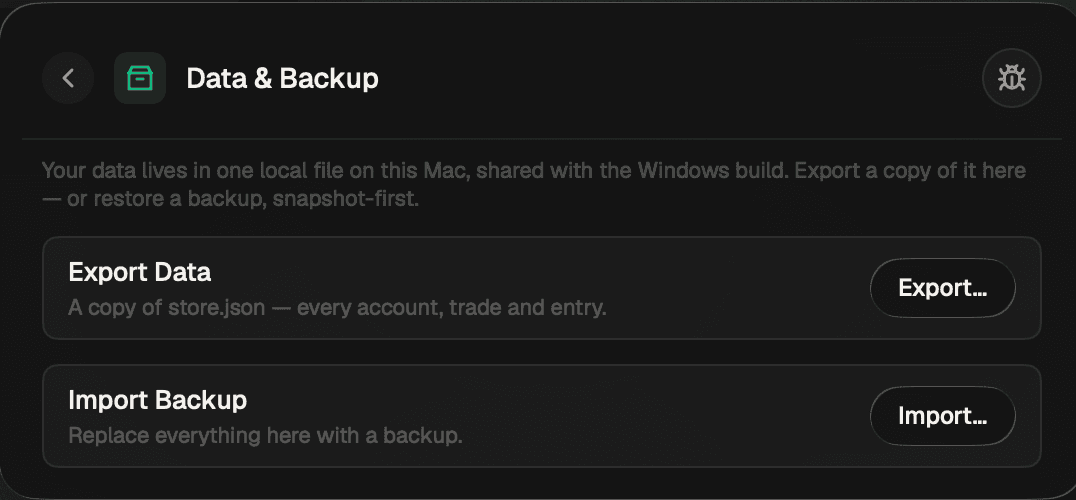
Ordo Intelligence
Intelligence, on its own panel.
Ordo Intelligence is one section in Settings and the only place its two surfaces are configured: Today's read on Home, and Ask your journal in Analytics. It arrives as part of the .Ordo service with no key of your own to paste or protect, it is in every plan, and only compact stat summaries computed from your journal are ever sent — never the entries, the notes or the screenshots.
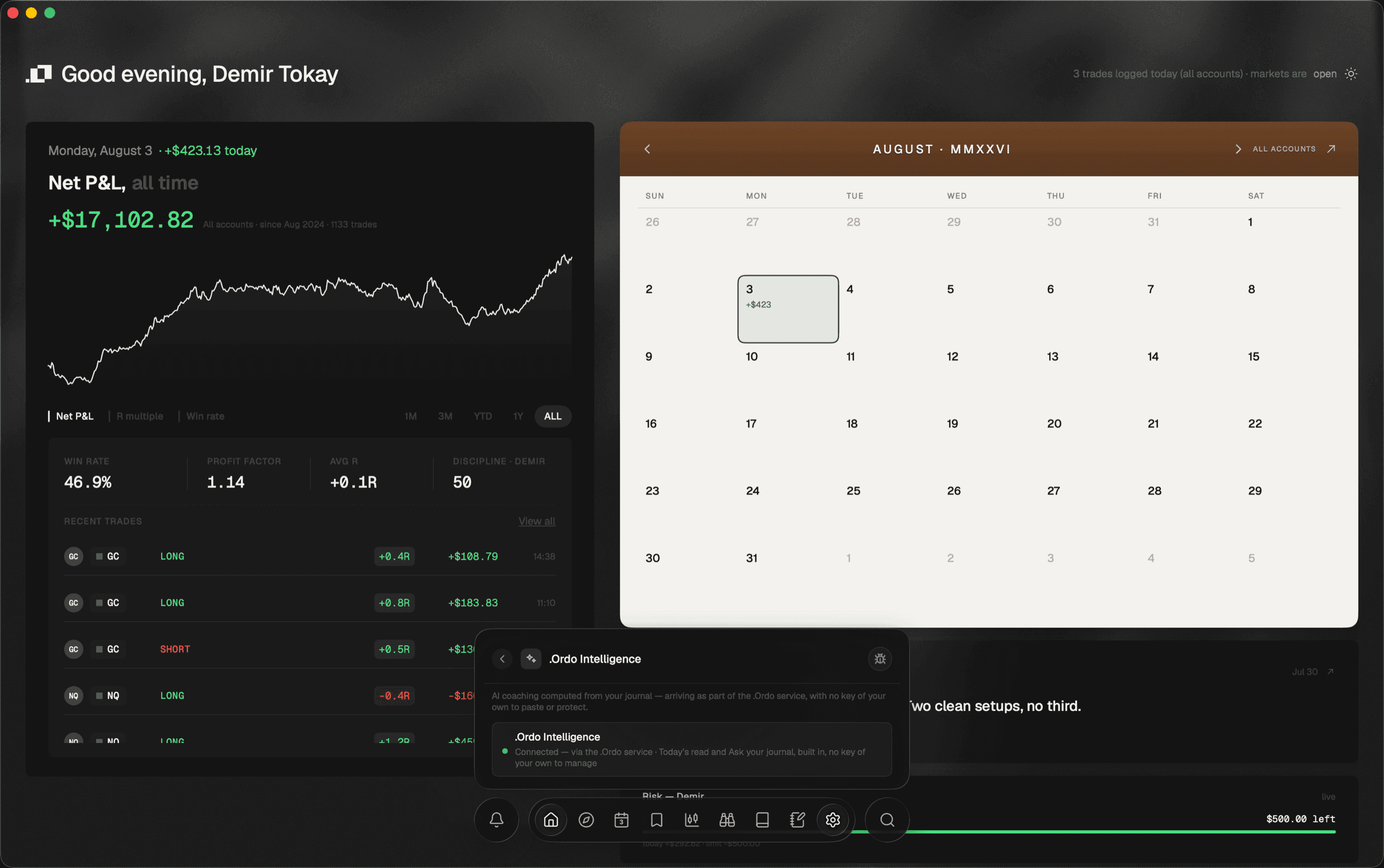
Screens are from the current desktop build. The figures in them are a demo journal of 816 trades, not a real account.
STATUS · 3 AUGUST 2026 — Checkout is open. The Windows and macOS installers are not.