The tour
Nine screens. One window.
Ordo is one application with nine pages in it, reachable from a dock that never leaves the bottom of the screen. This is all of them, in order, in real captures — the closest thing to using the app until you can install it.
STATUS · 3 AUGUST 2026 — Checkout is open. The Windows and macOS installers are not.
The nine
Ten minutes end to end. Every page is one room of the application, and every screenshot on it is a capture of that room.
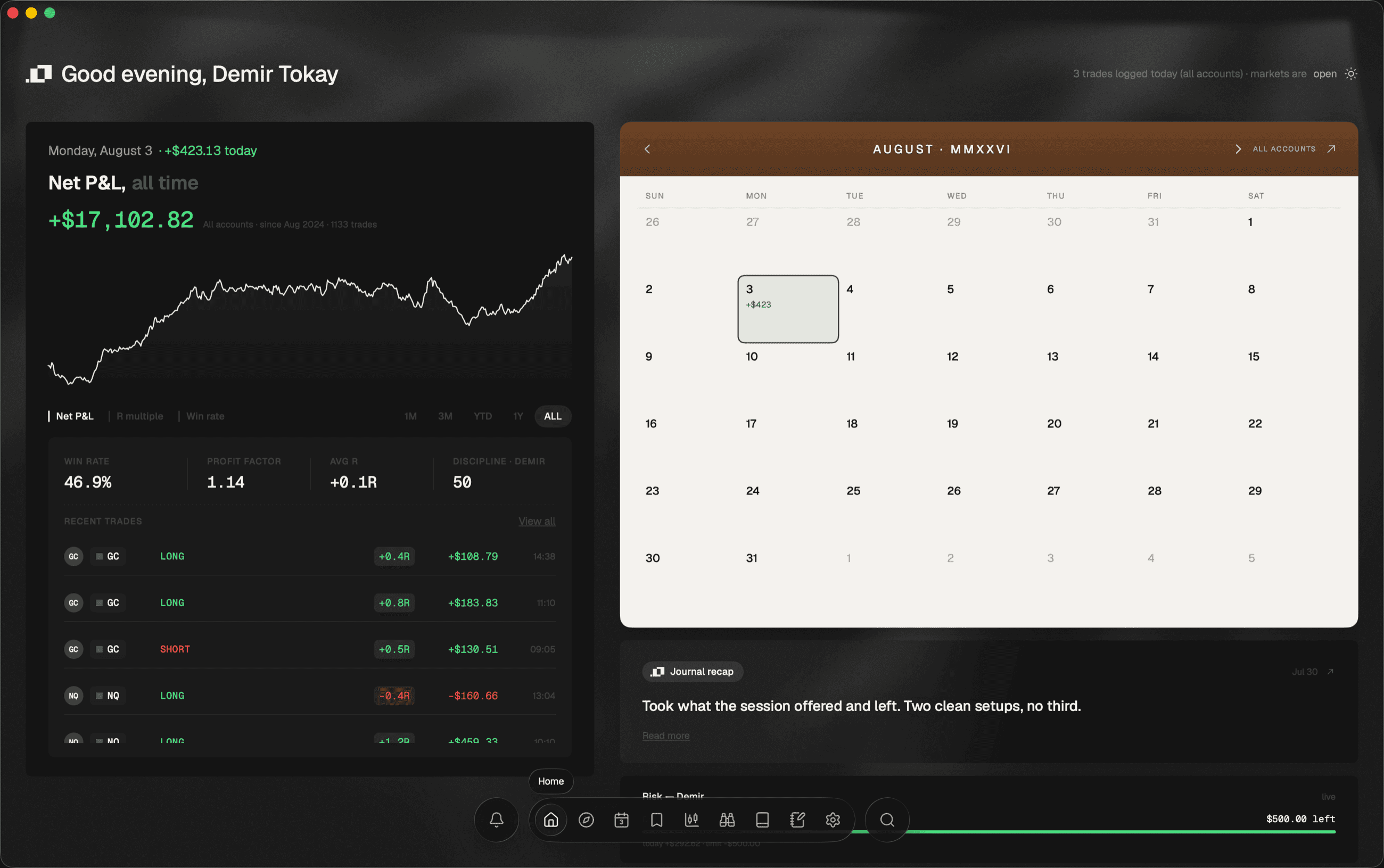
01 · Home
The whole trading day on one screen — P&L, equity curve, calendar, risk buffer.
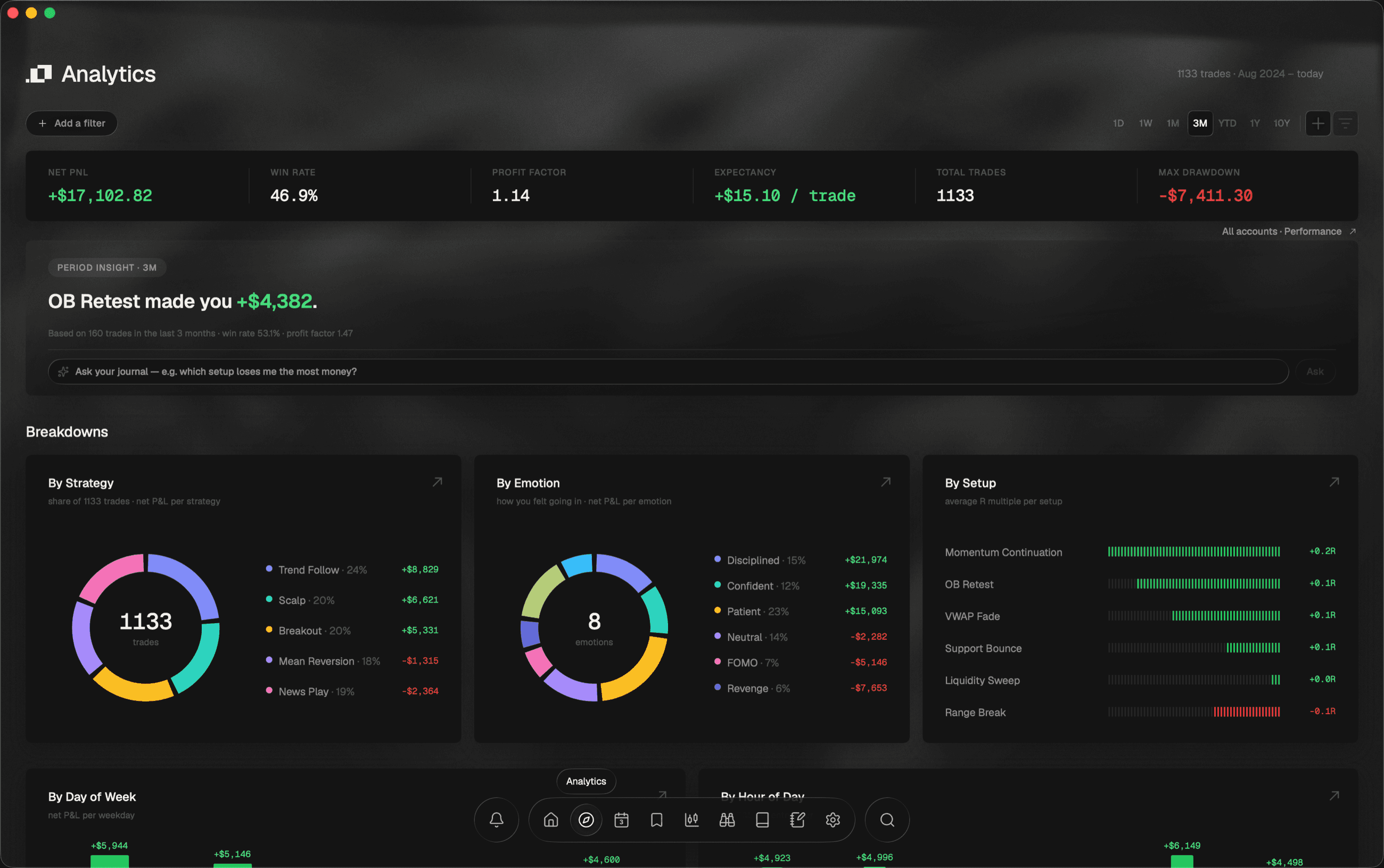
02 · Analytics
Six KPIs, then every angle: strategy, emotion, setup, day, hour and R.
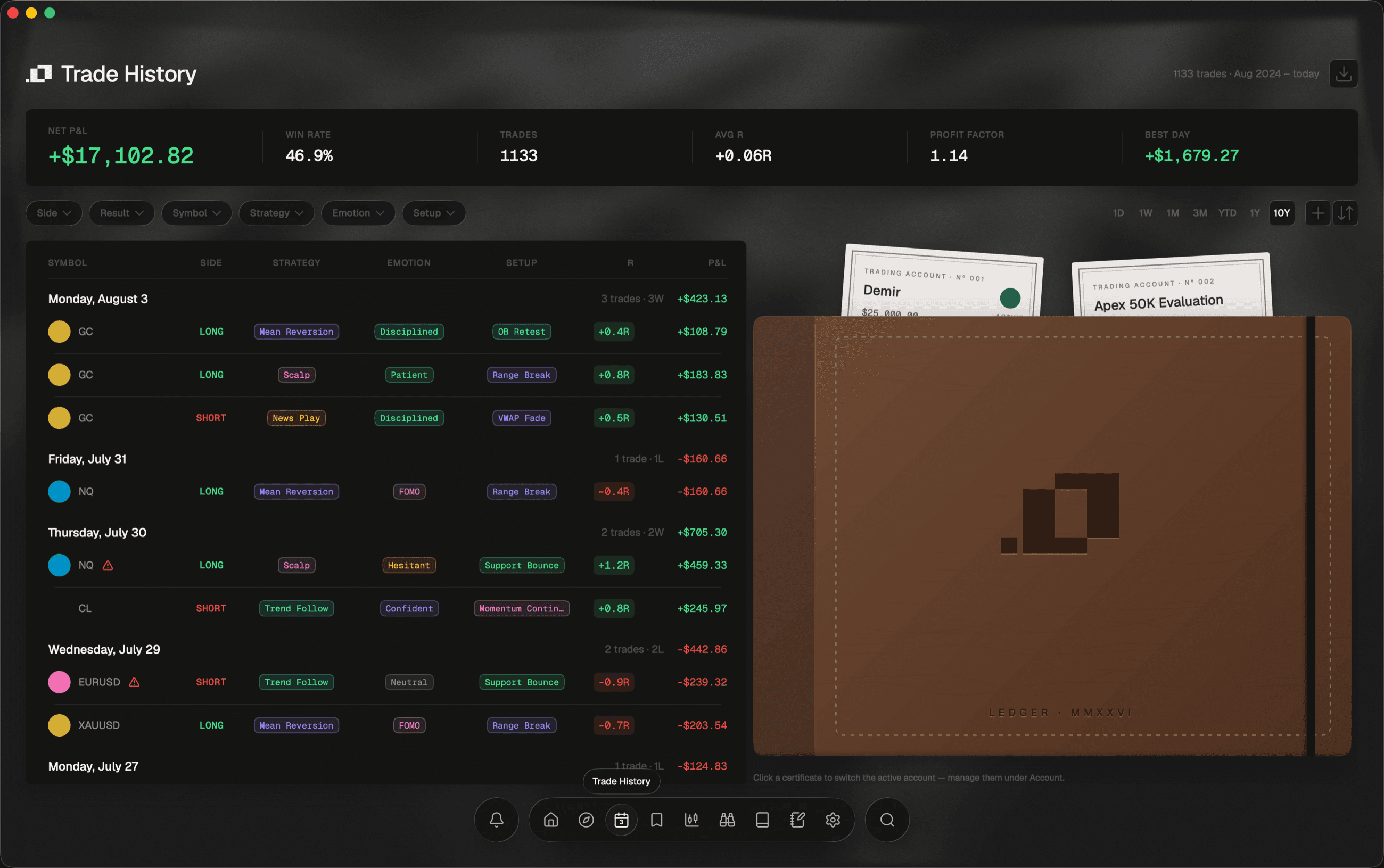
03 · Trade History
Every position, grouped into the sessions you actually lived.
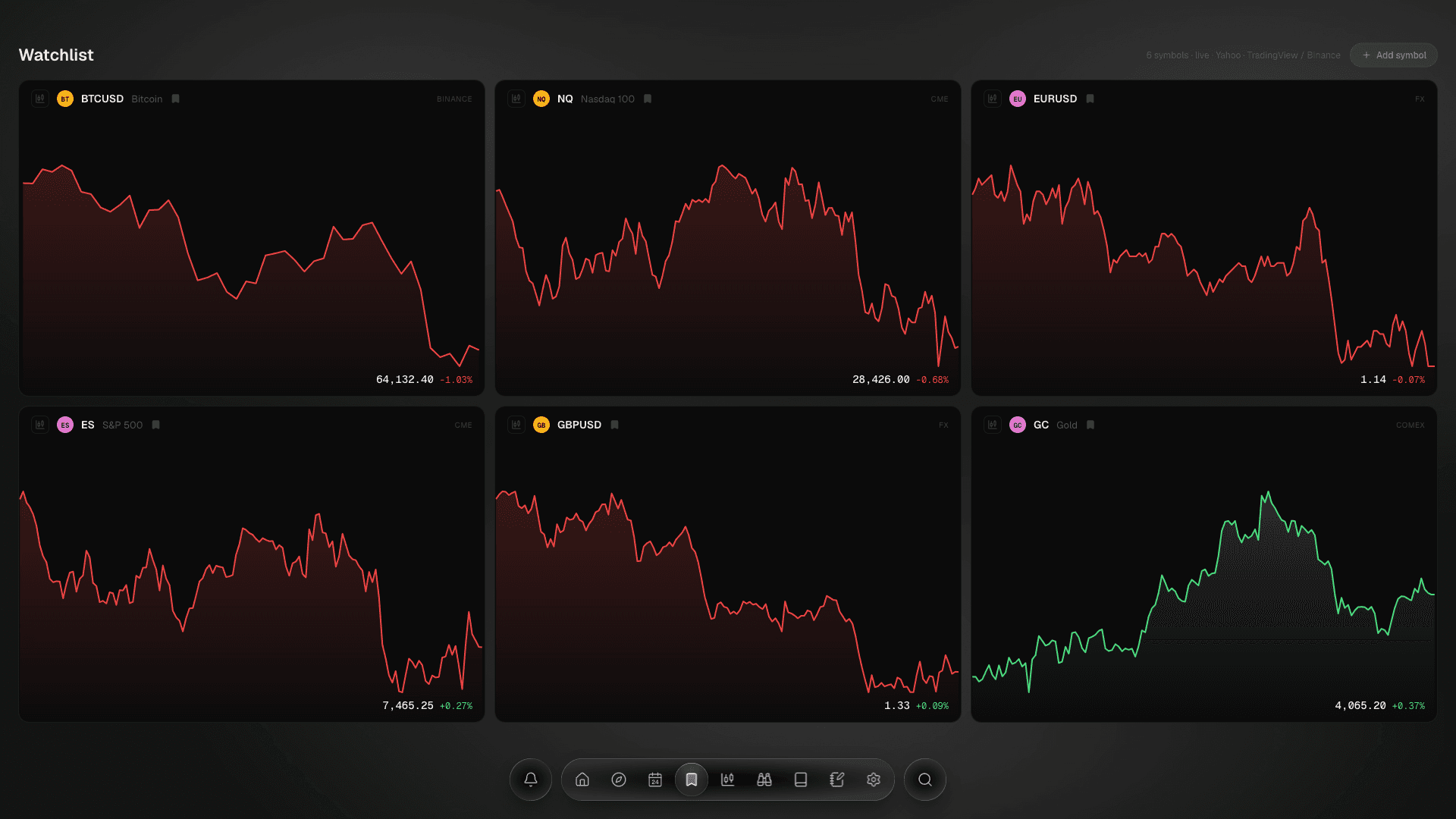
04 · Watchlist
Live sparkline cards for the symbols already in your journal.
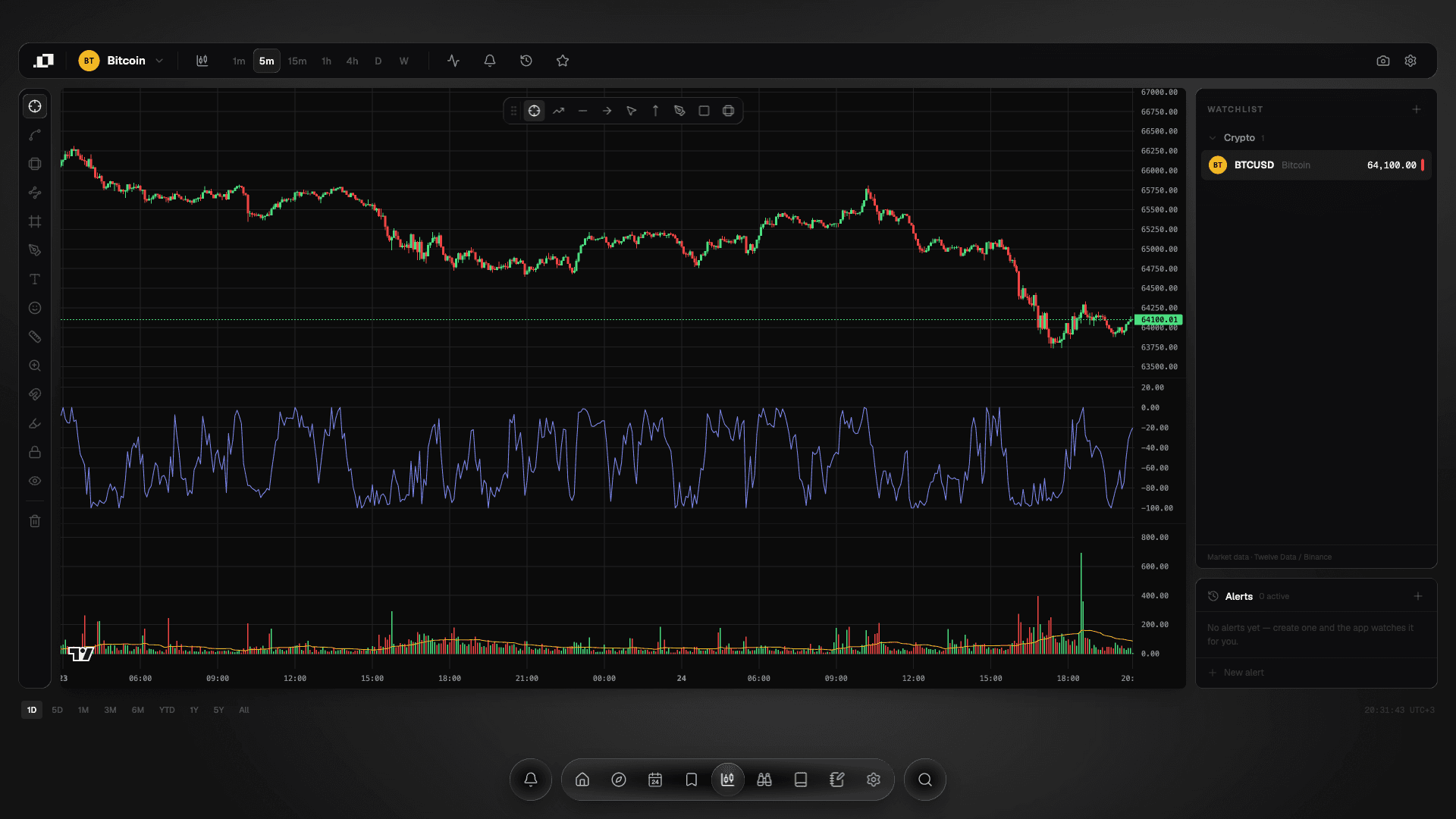
05 · Live Charts
Real candles, a full drawing toolbox, and price alerts.
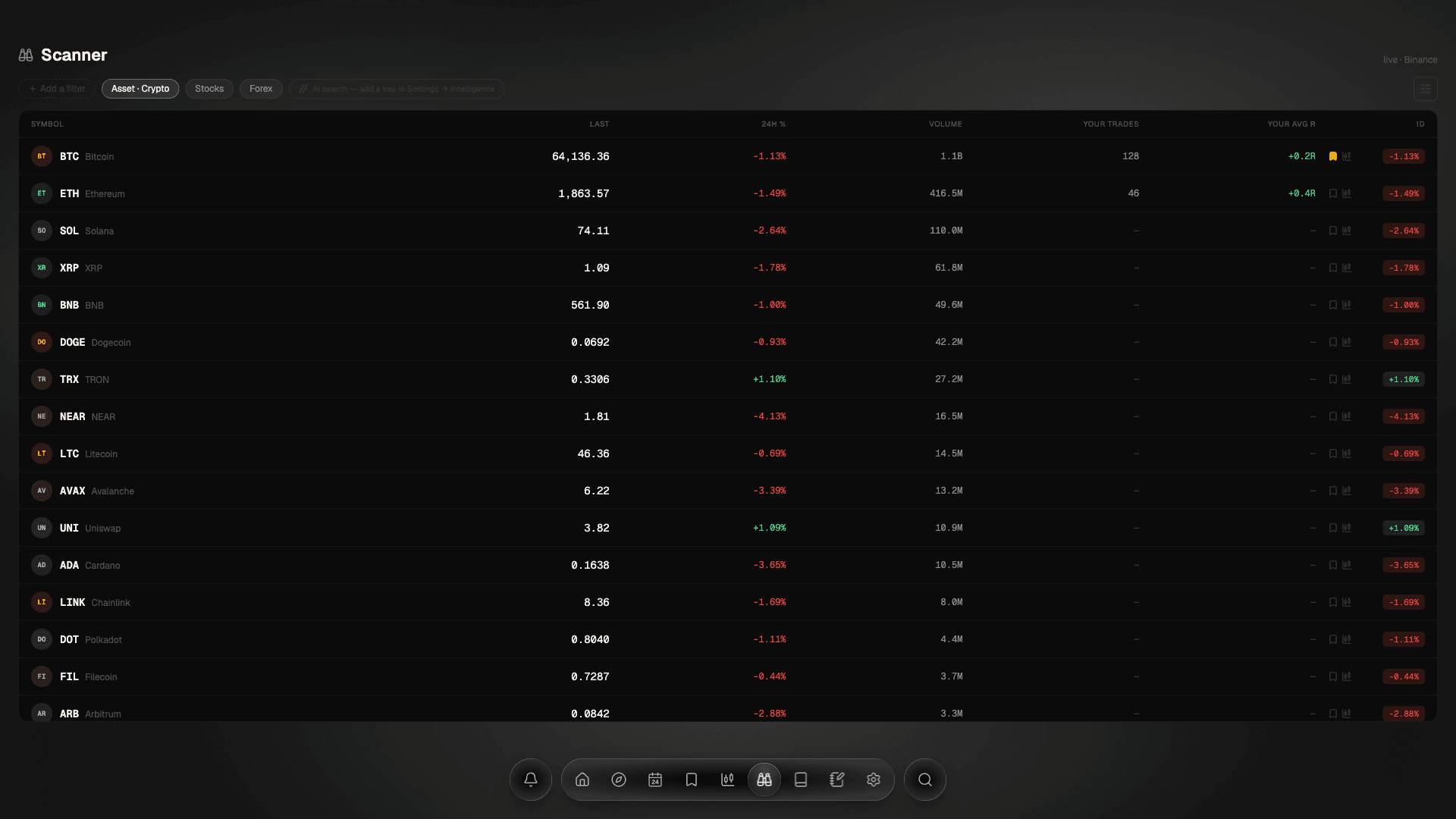
06 · Scanner
The market, with your own trade count and average R beside every row.
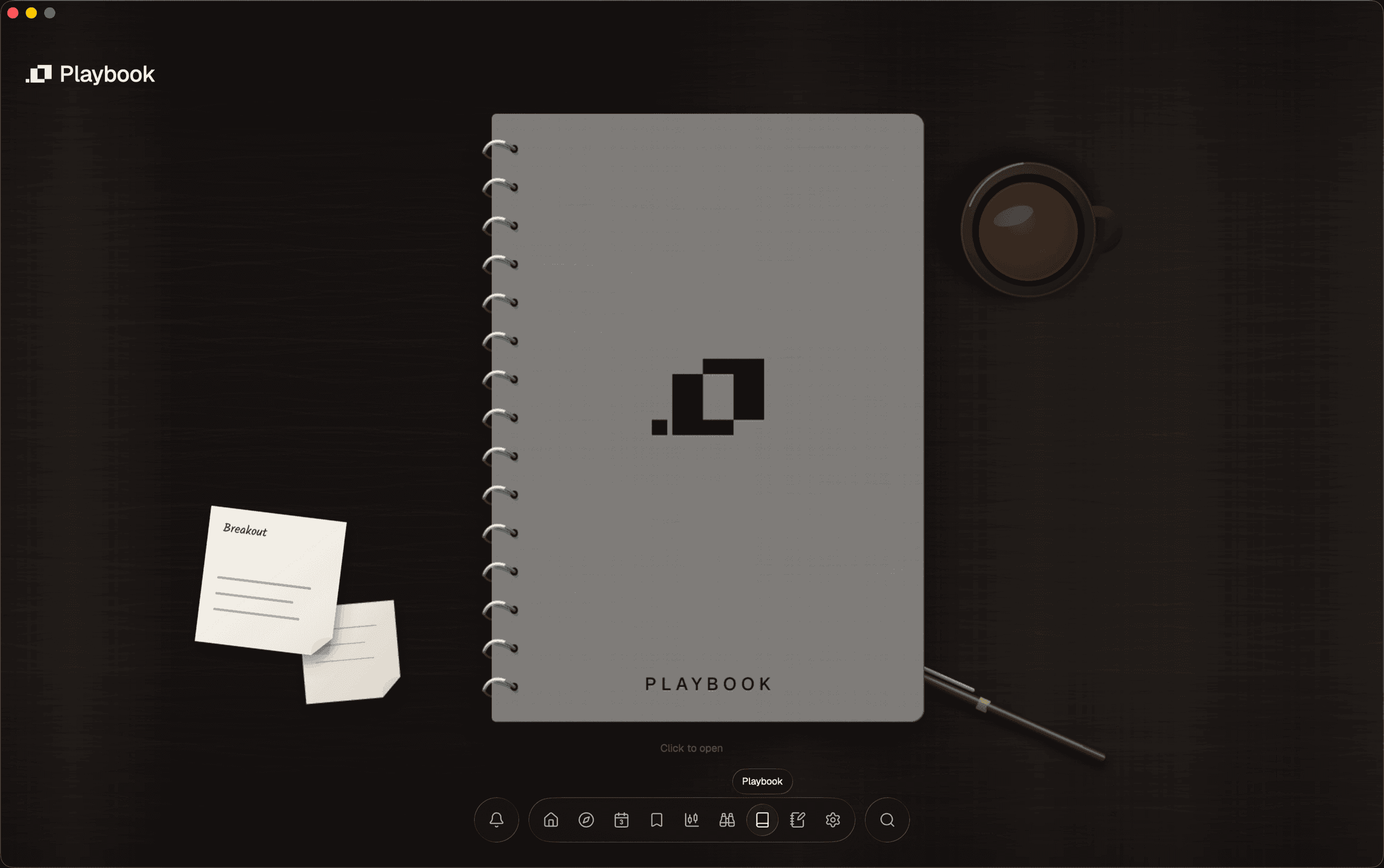
07 · Playbook
A spiral notebook. One page per strategy, with the rules it lives by.
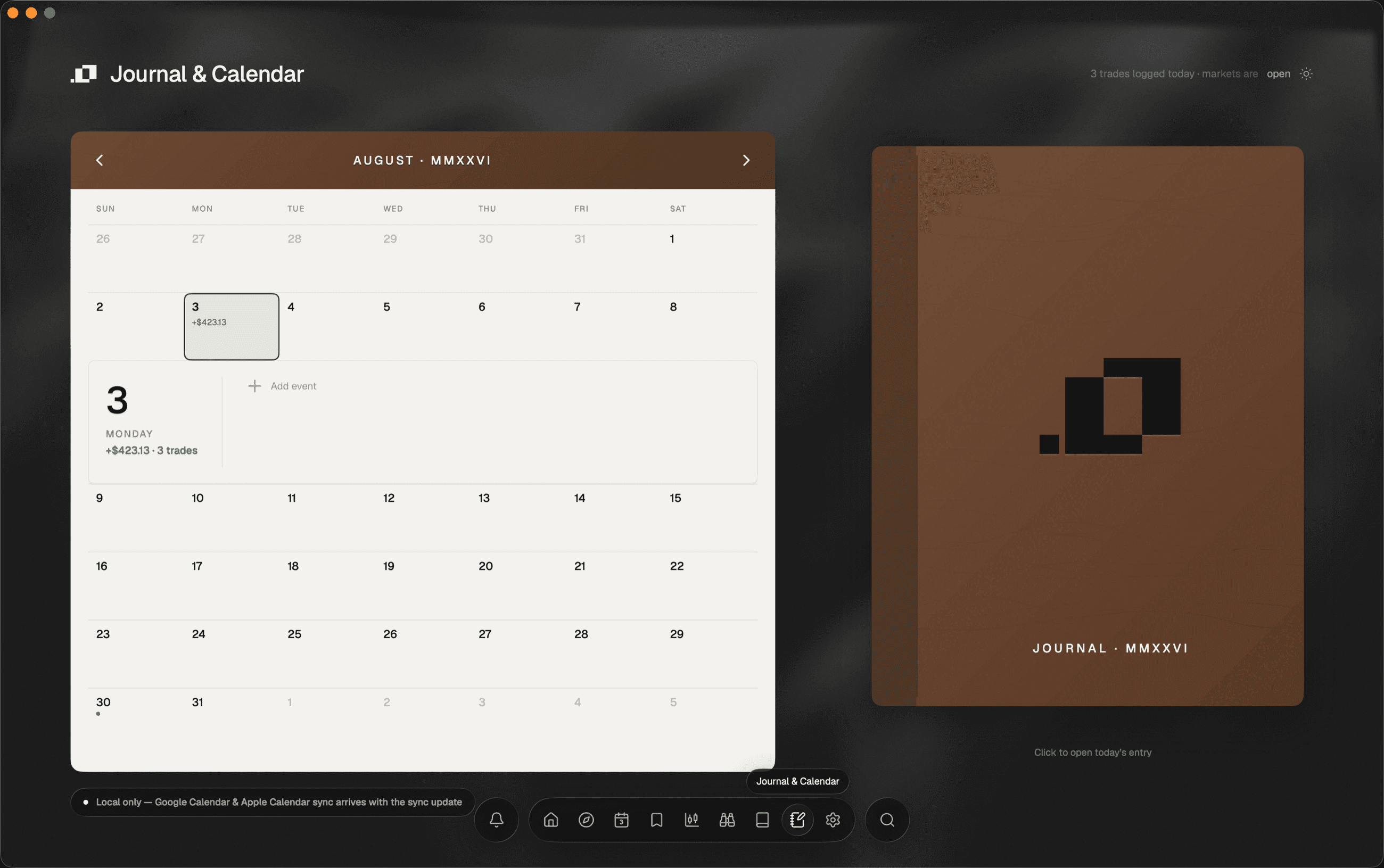
08 · Journal & Calendar
The only light surface in the app, on purpose.
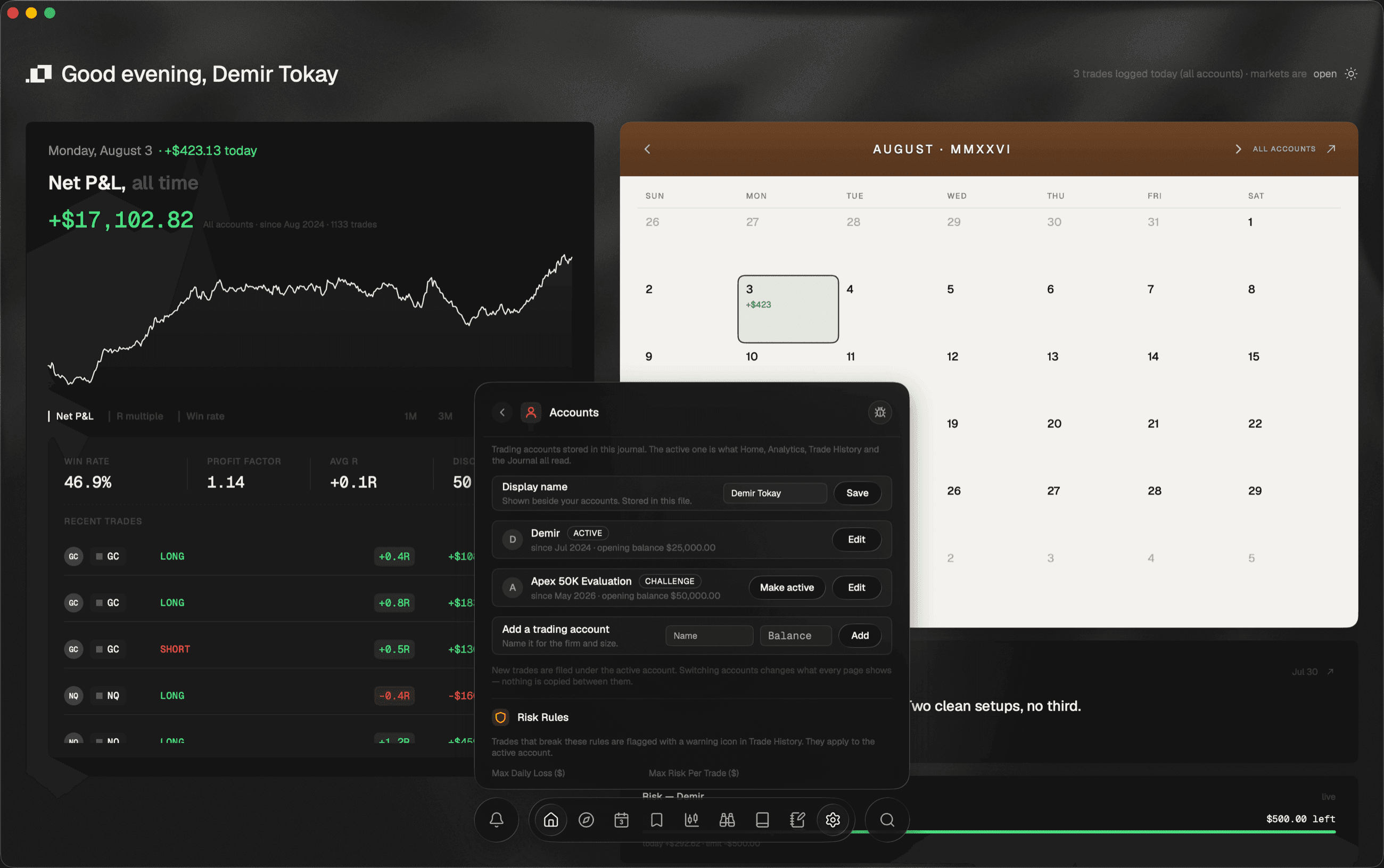
09 · Settings
Accounts, hard risk rules, one-click backup, and the Intelligence panel.
Before you start
Three things the screenshots won't tell you
Nine pages of captures with no caveat anywhere would be the most over-claiming surface on this site. These are the three that matter.
The figures are a demo journal.
816 trades on a made-up account. They are plausible and internally consistent — the same 48.9% win rate and 1.21 profit factor turn up on every screen that should show them — and they are nobody’s real results.
Some captures are of a development build.
Where a screen says Local build, that is what these were taken from: the unlicensed build being finished. Where it says a thing arrives later — per-trade account selection, for one — that is the app being honest about itself, and it is quoted here rather than cropped out.
You can’t install it yet.
The builds are real and the screens below are real captures of them. The Windows and macOS installers are not public. Where that stands.
Start at Home
Nine pages, about ten minutes. The dock at the bottom of this page is the one that is in the app, and it works the same way.